Embed Power BI in Minutes
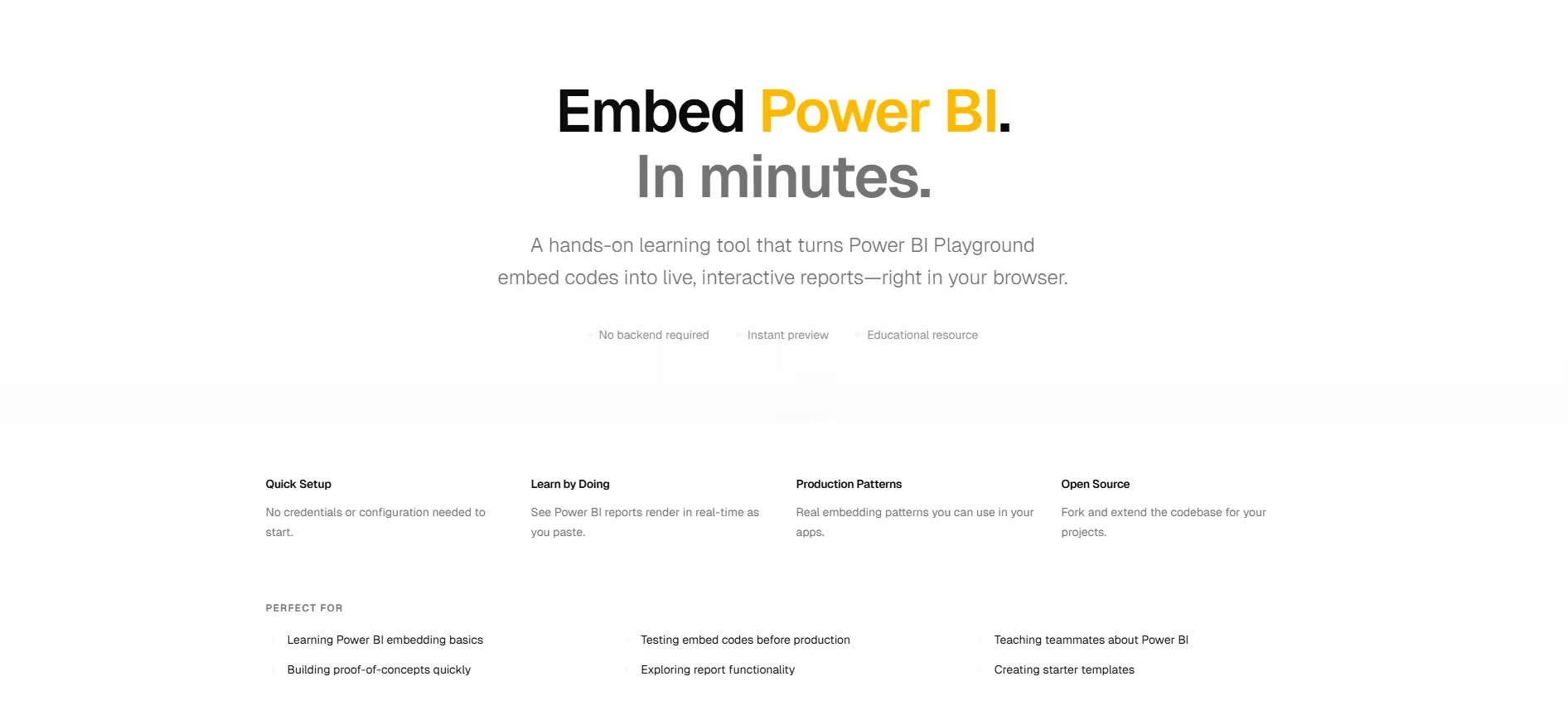
I built a v0 template for testing Power BI embed codes without scaffolding an app, plus the iframe snippet, SDK trade-offs, and auth models behind it.
Every Power BI developer hits the same small wall: you have an embed code in your clipboard and nowhere to paste it. Testing how a report actually renders inside a web page means scaffolding a throwaway app, wiring up a dev server, and deleting it all an hour later. So I built a template that skips that step: paste an embed code, see the report live, done.
I built it with v0, Vercel's AI tool that generates working React and Tailwind UI from a text prompt. v0 is a generation tool, not a framework, and what it produces is an ordinary Next.js app you can deploy or extend. The template below is the showcase; the rest of this post is the embedding substance you actually need around it: the minimal iframe snippet, when to graduate to the JavaScript SDK, and how the three authentication models differ.
The Simplest Possible Embed
Strip everything away and a Power BI embed is one HTML tag. This is the shape of the code the Power BI service generates for you, whether from File → Embed report in the service or from the Embedded Analytics Playground:
The src URL is where the auth model hides. A /view?r=... URL is a publish-to-web link: public, no sign-in. A /reportEmbed?reportId=... URL is a secure embed that prompts viewers to authenticate with their own Power BI account. Same tag, very different security posture. More on that below.
Getting the Embed Code
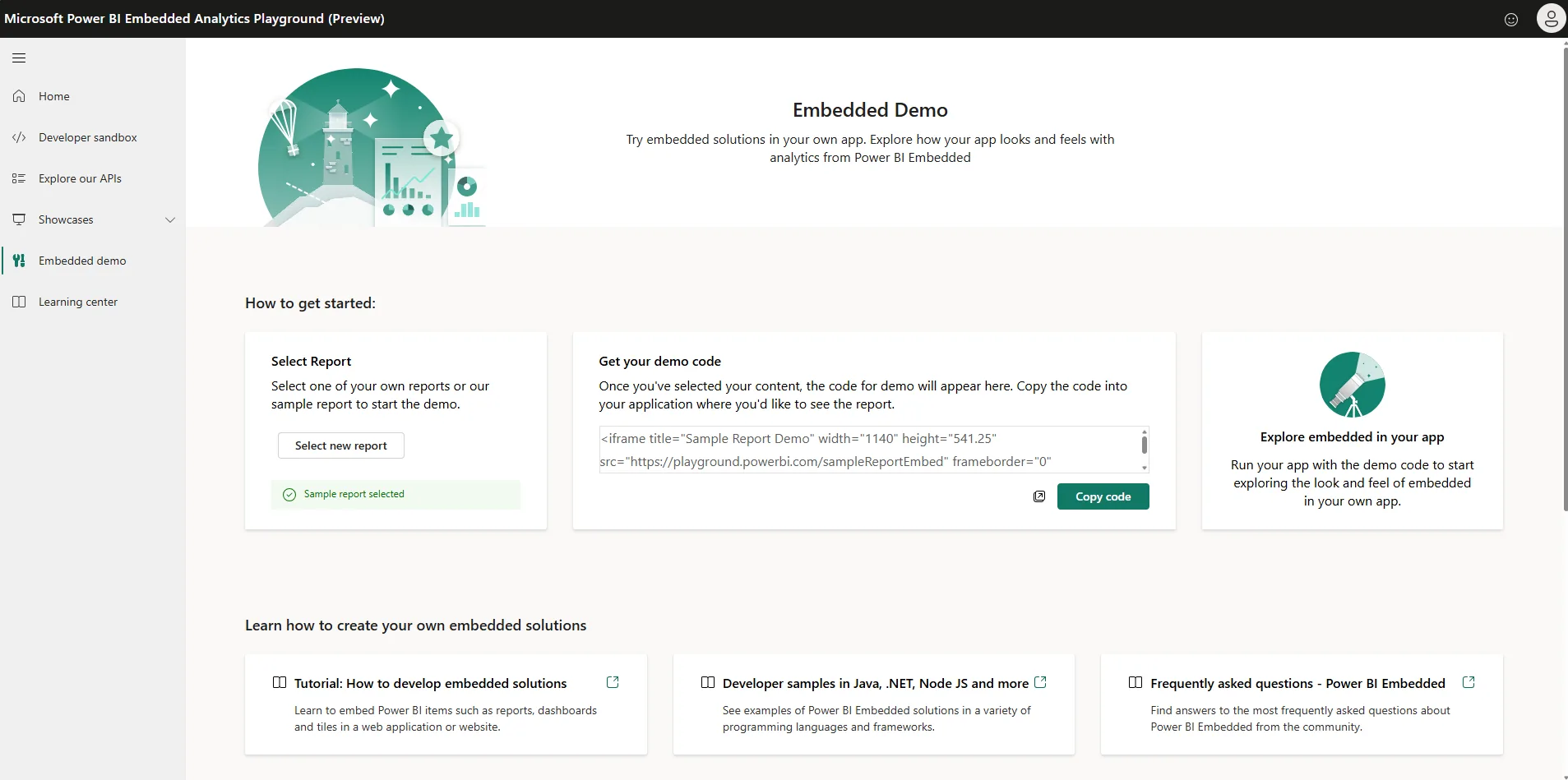
The template is designed to work hand-in-hand with the Power BI Embedded Analytics Playground. Pick one of Microsoft's sample reports (or point it at a report in your own tenant) and copy the embed code it generates. No capacity, no app registration, nothing to provision for the sample path.
Testing Custom Embeds in the Template
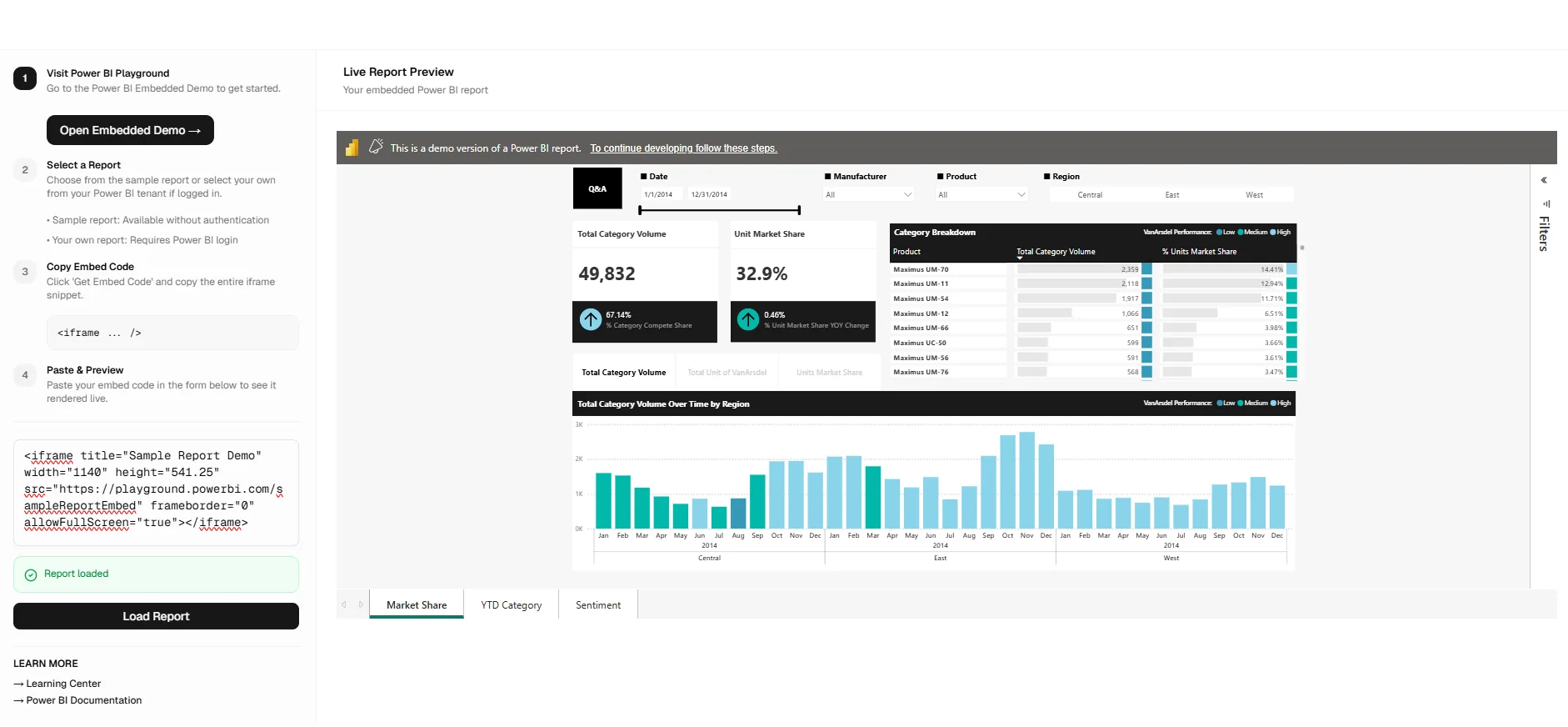
Back in the v0 template, I included a functional playground of my own. Paste the code you just copied (a sample report or an embed from your own tenant) and it renders immediately in a live application context: real page layout, real responsive behavior, real iframe sizing quirks. That last part is the point. A report that looks fine in the service can clip its slicers or scroll awkwardly at your app's actual container width, and this is the fastest way to find out.
iframe or the JavaScript SDK?
A raw iframe is where everyone starts; the powerbi-client JavaScript SDK is where production apps end up. The split is simple:
Plain iframe
Zero dependencies, one tag, works in any CMS or portal that accepts HTML. Fits when you just need a report visible on a page: public dashboards, intranet pages, quick prototypes. The trade-off: the report is a black box you cannot talk to.
powerbi-client SDK
An npm package that manages the iframe for you and opens a two-way channel: set filters and slicers from your app's code, react to page-change and data-select events, control tokens programmatically. Required for "embed for your customers" scenarios, and worth it any time the report must respond to your app's state.
The Auth Landscape in Three Lines
Every Power BI embed falls into one of three models, and picking the wrong one is the most common way embedding projects stall:
- Publish to web: fully public, no auth at all. Anyone with the URL sees the data. Fine for open data and marketing pages; a career risk for anything else.
- Embed for your organization: the user owns data model. Viewers sign in with their own Entra ID accounts and see only what their Power BI permissions allow. Right for internal apps and portals.
- Embed for your customers: the app owns data model. Your backend authenticates with a service principal, generates short-lived embed tokens, and your customers never need a Power BI license or sign-in. This is the ISV path, and in production it runs on Fabric capacity: the F SKUs that replaced the old Power BI Embedded A SKUs, which also means your embedded reports share capacity with the rest of your Fabric workloads.
The template is deliberately agnostic here: it renders whatever embed code you hand it, so you can compare how a publish-to-web link and a secure embed behave in the same page before committing to an architecture.
Further Reading
- Embed AI Foundry in Minutes: the companion v0 template for embedding Azure AI Foundry Agents
- Power BI embedded analytics overview: Microsoft Learn's map of the whole embedding surface
- Understanding the embedding solutions: the official comparison of iframe-style and SDK-driven approaches