Embed a Fabric Data Agent in Minutes
Paste a service principal's Tenant ID, Client ID, and Client Secret into a browser template and get a live Fabric Data Agent chatbot with no code and no setup.
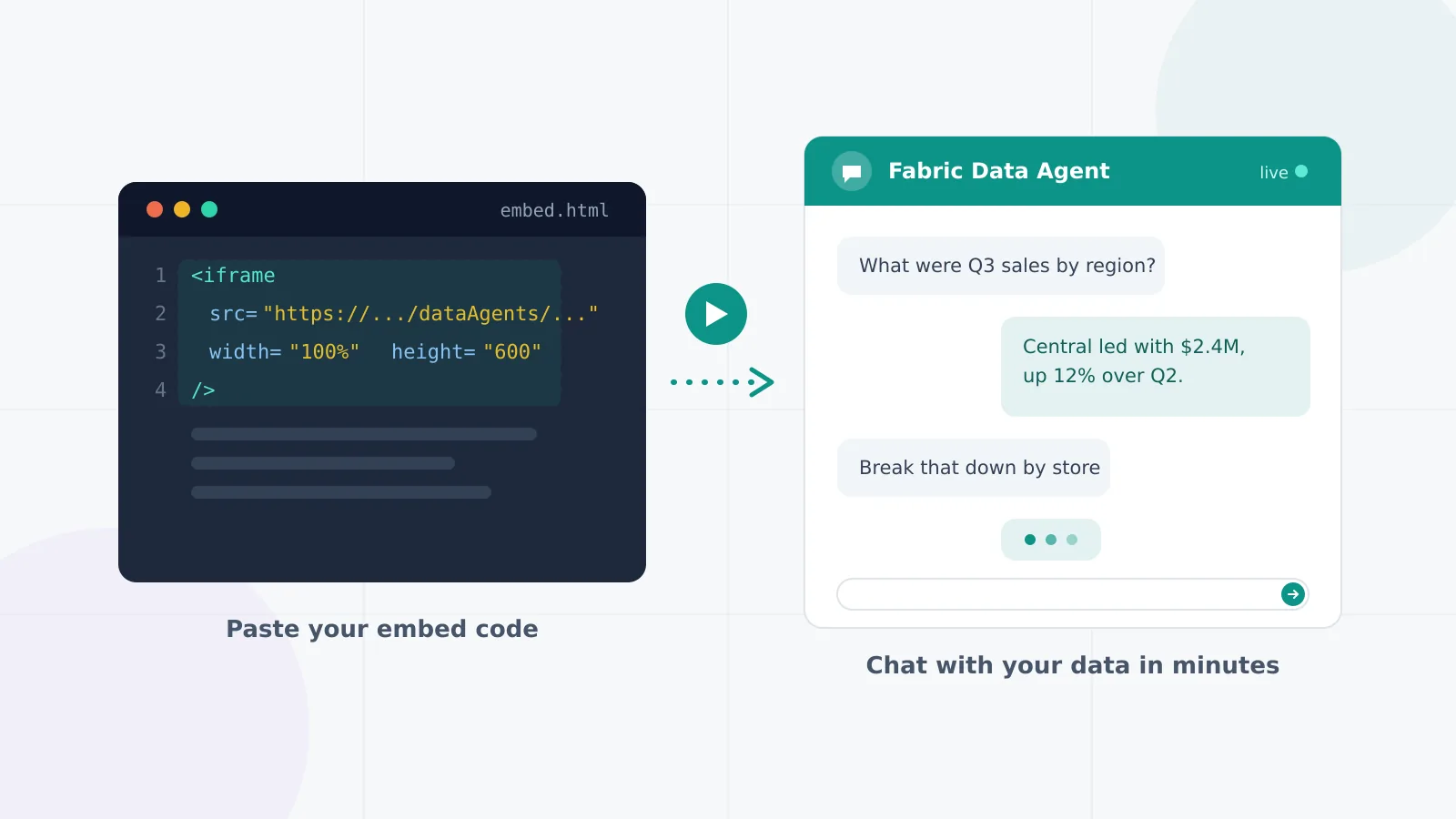
The most annoying part of testing a Fabric Data Agent is not the agent. It is standing up an entire UI just to ask it a question. So I built a template that skips that step: paste your service principal credentials into a browser form and you get a working chatbot against your own agent in minutes.
This is the quick-start of a three-part series. If you want the full authentication setup, read Service Principal Authentication for Fabric Data Agents; if you want to build the embedding properly in your own app, read Embedding a Fabric Data Agent in Your Own App. This post is for when you just want to see it work.
Why This Exists
Once you have registered an app, created a secret, and granted it workspace access, the natural next question is: did any of that actually work? The honest answer usually involves writing a script, juggling tokens, and debugging 403s before you see a single reply. This template collapses all of that into one form. Enter credentials, hit Test Connection, start chatting with your data.
Perfect For
- Verifying a service principal setup before writing any production code
- Demoing a published Data Agent to stakeholders without building a UI
- Learning the auth-and-conversation flow hands-on before reading the tutorials
Configuration Playground
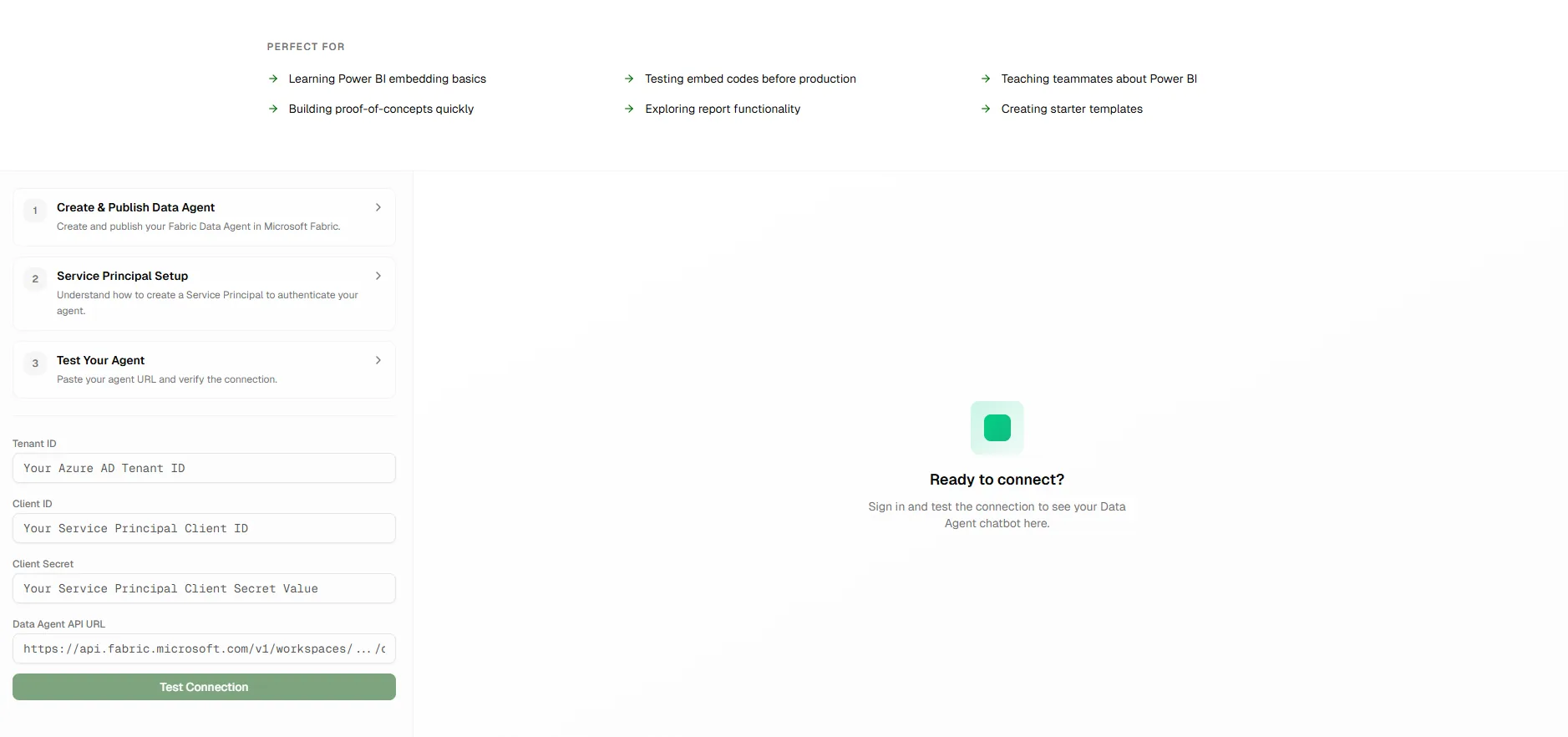
The playground needs four values: your Tenant ID, Client ID, Client Secret, and the Data Agent API URL copied from your published agent in Fabric. Fill them in, test the connection, and the chat window goes live against your agent, with conversation memory across turns, so follow-up questions keep their context.
What Happens When You Hit Connect
No magic: the template runs the same three-step flow your production app would:
- Token acquisition: your Tenant ID, Client ID, and Client Secret go through the OAuth 2.0 client-credentials flow against Microsoft Entra ID, which returns a bearer token scoped to the Fabric API. These access tokens live roughly 60 to 90 minutes and are refreshed automatically.
- Data Agent API call: the token authorizes calls to your agent's published endpoint, which is OpenAI Assistants-compatible. The template opens a conversation thread against it.
- Conversation loop: each question is added to the thread, a run kicks off, the template polls until it completes, then renders the agent's answer. Holding onto the thread ID between turns is what gives you memory.
I walk through each of these steps in detail, with working code, in the service principal and embedding articles. The template exists so you can see the whole loop run before committing to any of it.
A Word on the Secret
Testing only: never paste production credentials
In production, a client secret must never reach the browser. This template deliberately breaks that rule so you can test without a backend. Use a throwaway development service principal scoped to a non-production workspace, and rotate or delete the secret as soon as you finish testing.